Reports
Reports owners trust, from the schedule itself.
Nobody retypes the schedule into a deck the night before. Every report reads the same model the grid reads, so the dates in the PDF are the dates in the schedule — and the copy you sent last month is still exactly what you sent.
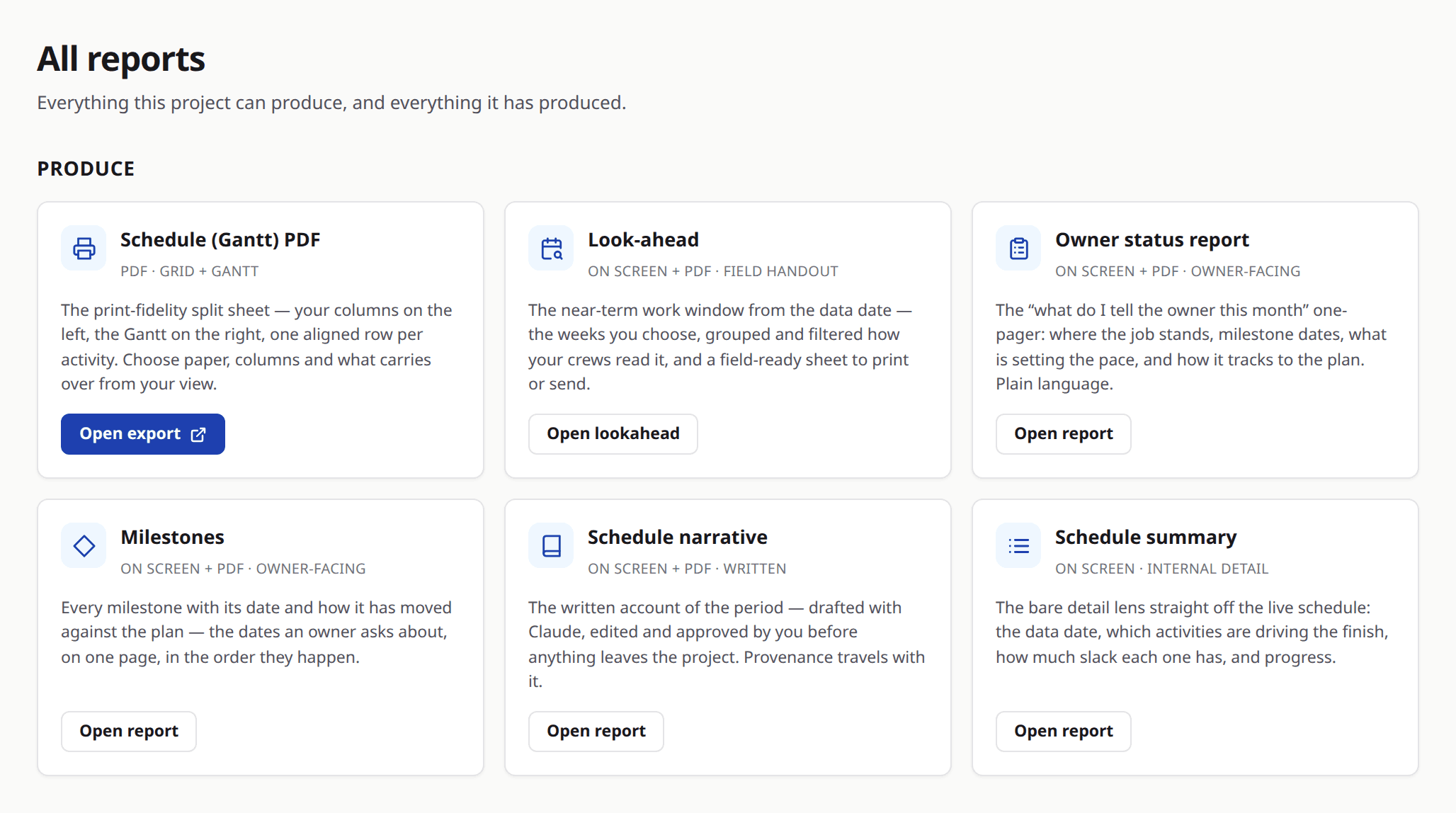
The suite
Five construction schedule reports, and a sixth for the people who write.
The reports page opens on a catalog of what Brikt can produce, each entry described by what it gives you rather than by its internal name. Pick one, run it, and it lands on the shelf.
Schedule (Gantt) PDF
The schedule itself, printed. The same bars, links and criticality the grid shows, laid out for paper at a scale you choose.
Look-ahead
One to four weeks, grouped by whoever is responsible. The document the trades read in the Monday meeting.
Owner status report
Where the job is against where it said it would be — progress, milestones and slip against the baseline, in the language an owner reads.
Milestones
The dates the contract cares about, with what has moved and by how much.
Schedule summary
The one-page answer to “how is the schedule”, straight off the model.
Schedule narrative
The written account of the period — what moved, what caused it, what happens next.
Available to project writers. The people accountable for the wording are the people who produce it.
You can also save your own definition — the filters, the window and the shape you want — run it, and keep the result with the rest.
The archive
Every PDF is a record, not a re-render.
Generating a report freezes it. The archive lists what was produced and when, and downloading one serves the exact bytes that were frozen.
That distinction is the whole point. A report that re-renders on download quietly stops matching the copy in somebody’s inbox the moment the schedule changes — which is exactly when the two versions start to matter.
On paper
Print-grade, from a real render engine.
Reports are rendered as documents rather than screenshotted from a screen: page breaks land where they should, tables carry their headers over, and a Gantt that spans four pages still reads.
Share links
Send a link. Take it back.
A share link is a token, not a guessable address, and it opens the frozen document without an account. Revoke it, or let it expire on its own.
Every miss returns the same 404 — revoked, expired, malformed, or never existed at all, one answer for every case. Somebody holding a link that no longer works learns nothing from it: not whether the report exists, not whether it ever did, not whether they were close.
Your brand
Your logo on the paper.
Reports carry your company’s brand. The document an owner opens looks like it came from you, because it did.
See the report your owner would get.
Bring a job and we will run its status report in front of you, off its own schedule.